Gallery
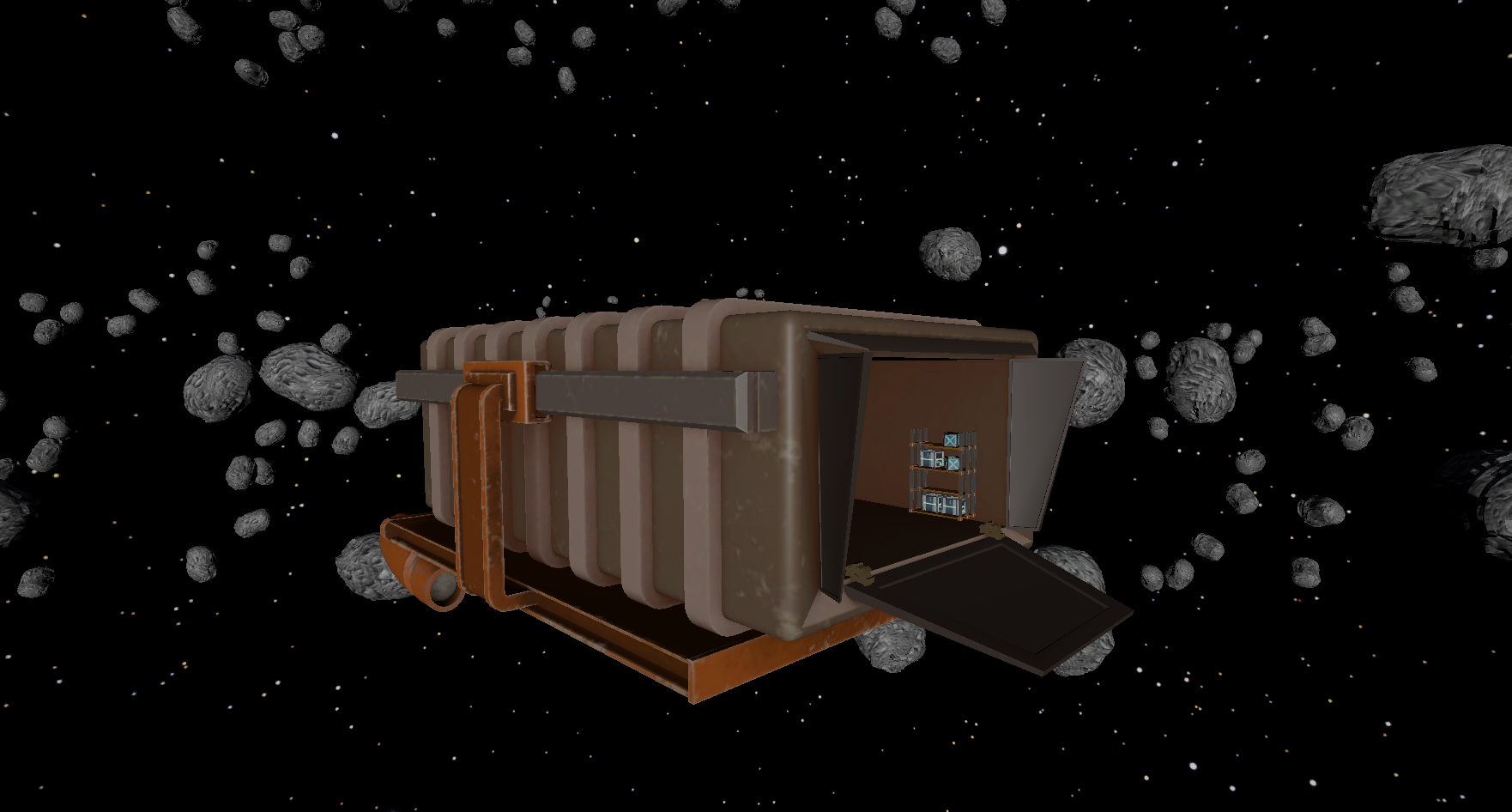
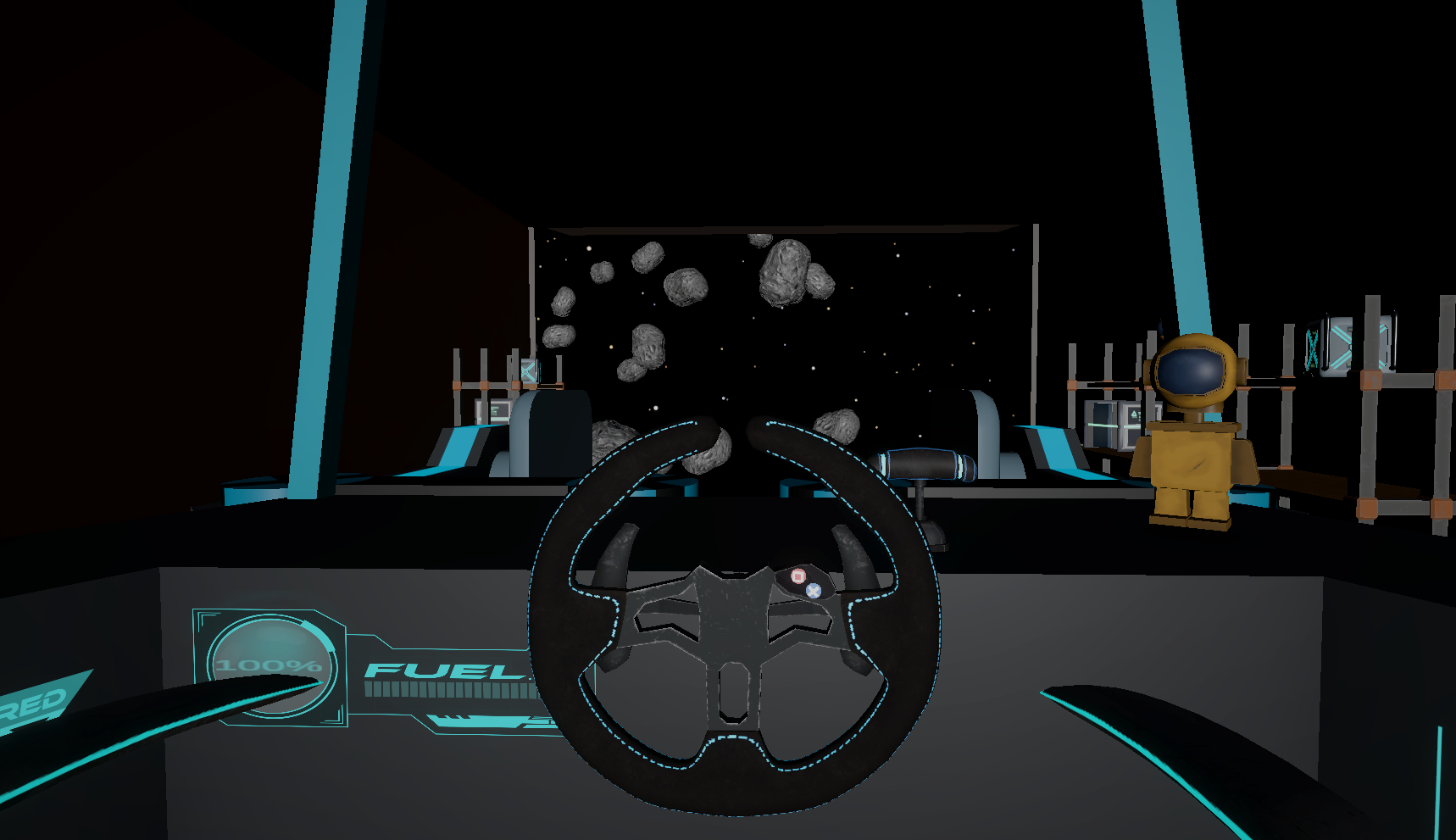
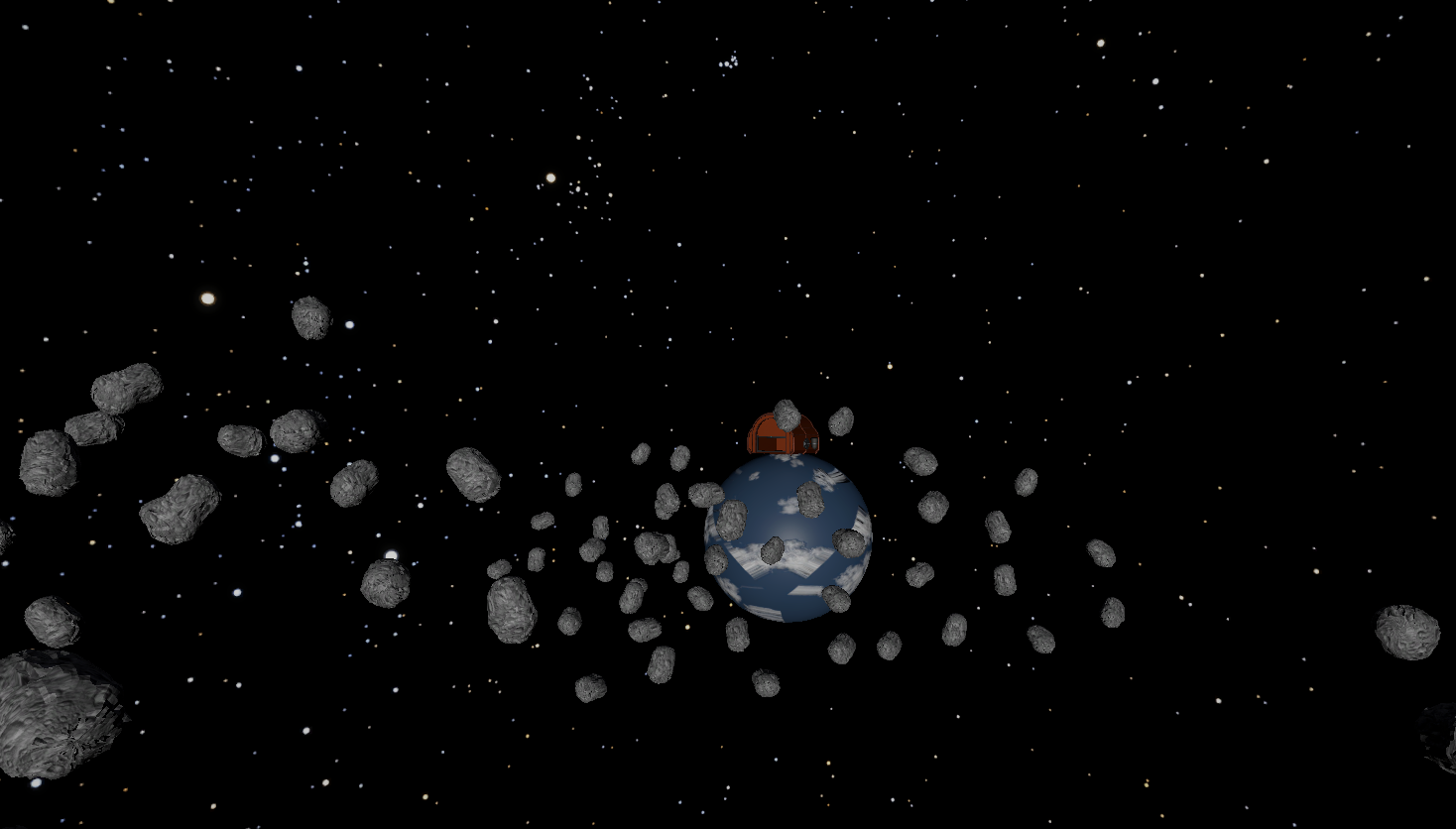
A collection of in-game screenshots
using System.Collections.Generic;


public class WheelButtonInput : ButtonInputSubject
{

    //List with bools for each button on the wheel
    public List ButtonStates = new List(new bool[128]);

    //Is a button being pressed?
    private bool isBeingPressed = false;

    //timer to prevent multiple inputs
    private float timer = 0;

    private void Start()
    {
        //Initialize the wheel for good mesure
        LogitechGSDK.LogiSteeringInitialize(true);
    }

    void Update()
    {
        //update the Information from the wheel and the buttons
        LogitechGSDK.LogiUpdate();

        //Update the button states
        UpdateButtonStates();
    }


    //checks if there is a button is pressed on the current frame
    void UpdateButtonStates()
    {
        //Forloop to check each button
        for (int i = 0; i < ButtonStates.Count; i++)
        {
            bool isPressed = LogitechGSDK.LogiButtonIsPressed(0, i);

			//if the button is pressed but its not saved in the array, set true
            if (isPressed && !ButtonStates[i])
            {
                ButtonStates[i] = true;

				//send to interface
                OnNotify(i, true);
            }
			//if the button is not pressed but its not saved in the array, set false
            else if (!isPressed && ButtonStates[i])
            {
                ButtonStates[i] = false;

				//send to interface
                OnNotify(i, false);
            }
        }

    }
}
using UnityEngine;

public class SteeringWheelInput : WheelInputSubject
{
    //The boounds set to calculate the normalized input
    [Header("normalization Bounds")]
    public float MaxSteeringValue = 360;
    public float MinSteeringValue = -360;

    //normalized value of the steering wheel
    [Header("Current Output")]
    public float SteeringInput;

    //refrence to the LogitechGSDK's InputManager
    private LogitechGSDK.DIJOYSTATE2ENGINES rec;


    private void Update()
    {
        //update the Information from the wheel and the buttons
        LogitechGSDK.LogiUpdate();

        //returns the state of the controller and stores it in rec
        rec = LogitechGSDK.LogiGetStateUnity(0);

        //gets and sets a normalized value of the steering wheel
        GetWheelInput();
    }

    //gets and sets a normalized value of the steering wheel
    private void GetWheelInput()
    {
        //gets and sends a normalized value of the steering wheel to the observers
        OnWheelInput(NormalizeRawInput(rec.SteeringWheel));
    }


    //Calculates the normalized input of the SteeringWheel
    private float NormalizeRawInput(int rawValue)
    {
        //Calcutation that normalizes the raw input of the pedals
        return Mathf.Lerp(MaxSteeringValue, MinSteeringValue, Mathf.InverseLerp(32767, -32768, rawValue));
    }
}
Notion page with basic documentation about the input system
using UnityEngine;

// This script controls the spaceship's movement using a Rigidbody component.
public class ShipRidgidbodyController : MonoBehaviour, IButtonInput, IPedalInput
{
    [SerializeField] private Rigidbody rigidbody; // Rigidbody component controlling the ship's physics.

    [SerializeField] private bool isUsingGravity; // Indicates if the ship is affected by gravity.
    [SerializeField] private bool ismovingVerticaly; // Indicates if the ship is currently moving vertically.
    [SerializeField] private bool isReversed; // Indicates if the ship's movement is reversed.

    [SerializeField] private int currentShifterGear; // Tracks the current gear for vertical movement.

    // Maximum forces for movement and vertical actions.
    [SerializeField] public float maxMovementForce;
    [SerializeField] private float hightForce;

    [SerializeField] private float maxPedalForce; // Maximum force applied when using the brake pedal.

    // Smoothing factor to avoid abrupt changes in vertical force.
    [SerializeField] private float hightForceSmoothing;

    // Speed constraints for the ship's horizontal movement.
    [SerializeField]
    private float minSpeed; //= 10;
    public float maxSpeed; //= 100;

    [SerializeField] private GameObject shipLights;

    void Start()
    {
        // Assign the Rigidbody component of the game object.
        rigidbody = GetComponent();
    }

    private void OnEnable()
    {
        // Registers this object as a listener for button and pedal inputs from the InputManagers.
        GameObject.FindGameObjectWithTag("InputManagers").GetComponent().SetListeners(this);
        GameObject.FindGameObjectWithTag("InputManagers").GetComponent().S 3
    }

    private void OnDisable()
    {
        // Removes this object as a listener when it is disabled.
        GameObject.FindGameObjectWithTag("InputManagers").GetComponent().RemoveListeners(this);
        GameObject.FindGameObjectWithTag("InputManagers").GetComponent().RemoveListeners(this);
    }

    // Handles button input actions based on the button ID and its state (pressed/released).
    public void OnButton(int button, bool state)
    {
        switch (button, state)
        {
            case (0, true): TakeOffOrLand(button, state); break; // Handles takeoff or landing based on gravity.

            case (14, true): // Moves the ship upwards when gear 14 is active.
                currentShifterGear = 14;
                ismovingVerticaly = true;
                break;

            case (14, false): // Stops vertical movement when gear 14 is released.
                ismovingVerticaly = false;
                break;

            case (15, true): // Moves the ship downwards when gear 15 is active.
                currentShifterGear = 15;
                ismovingVerticaly = true;
                break;

            case (15, false): // Stops vertical movement when gear 15 is released.
                ismovingVerticaly = false;
                break;

            case (18, true): isReversed = true; break; // Enables reverse movement.
            case (18, false): isReversed = false; break; // Disables reverse movement.
        }
    }

    // Handles gas pedal input to move the ship horizontally.
    public void OnGasPedal(float gasValue)
    {
        HorizontalMovement(gasValue);
    }

    // Handles brake pedal input to slow down the ship.
    public void OnBreakPedal(float breakValue)
    {
        Break(breakValue);
    }

    private void FixedUpdate()
    {
        // Handles vertical movement when active.
        if (ismovingVerticaly)
            VerticalMovement(currentShifterGear, ismovingVerticaly);
    }

    // Controls horizontal movement based on the input intensity.
    private void HorizontalMovement(float intensity)
    {
        float appliedForce = Mathf.Clamp(intensity, 0, maxMovementForce); // Limits the applied force.
        Vector3 localVelocity = transform.InverseTransformDirection(rigidbody.velocity); // Converts velocity to local space.
        Vector3 forceDirection = Vector3.zero;

        // Clamps the forward velocity within min and max speed.
        localVelocity.z = Mathf.Clamp(localVelocity.z, minSpeed, maxSpeed);

        // Determines movement behavior based on gravity, reverse mode, and input intensity.
        switch (isUsingGravity, isReversed, intensity)
        {
            case (false, false, 0): rigidbody.drag = 0; break; // No gravity, no reverse, no input.
            case (false, true, 0): rigidbody.drag = 0; break; // No gravity, reverse, no input.

            case (true, false, > 0): // Gravity enabled, forward movement.
                break;

            case (false, false, > 0): // No gravity, forward movement.
                forceDirection = Vector3.forward;
                rigidbody.drag = 3;
                break;

            case (true, true, > 0): // Gravity enabled, reverse movement.
                break;

            case (false, true, > 0): // No gravity, reverse movement.
                forceDirection = Vector3.back;
                rigidbody.drag = 3;
                break;
        }

        if (intensity > 0)
        {
            rigidbody.AddRelativeForce(forceDirection * appliedForce, ForceMode.Force); // Applies force for movement.
        }
    }

    // Smoothly reduces the ship's velocity based on brake input intensity.
    private void Break(float intensity)
    {
        float pedalForceInput = Mathf.Clamp(intensity, 0, maxPedalForce); // Limits brake force.
        rigidbody.velocity = Vector3.Lerp(rigidbody.velocity, Vector3.zero, pedalForceInput * Time.deltaTime);
    }

    // Handles vertical movement based on the current gear and its state.
    private void VerticalMovement(int button, bool state)
    {
        float appliedForce = Mathf.Lerp(rigidbody.velocity.y, hightForce, hightForceSmoothing * Time.deltaTime); // Smooth vertical force.
        Vector3 forceDirection;

        switch (button, state)
        {
            default:
                forceDirection = Vector3.zero; // No vertical movement.
                break;

            case (14, true): // Move upwards.
                forceDirection = Vector3.up;
                break;

            case (15, true): // Move downwards.
                forceDirection = Vector3.down;
                break;
        }

        rigidbody.AddRelativeForce(forceDirection * appliedForce, ForceMode.Force); // Applies vertical force.
    }

    // Toggles gravity on or off based on button input and current gravity state.
    private void TakeOffOrLand(int button, bool isButttonPressed)
    {
        switch (button, isButttonPressed, isUsingGravity)
        {
            case (0, true, true): isUsingGravity = false; shipLights.SetActive(true); break;// Disables gravity for takeoff.
            case (0, true, false): isUsingGravity = true; shipLights.SetActive(false); break;// Enables gravity for landing.
        }

        rigidbody.useGravity = isUsingGravity; // Updates Rigidbody gravity state.
    }
}
using TMPro;
using UnityEngine;

// This class manages and displays information about the current package quest.
public class SetPackageInfo : MonoBehaviour, ISendCurrentQuestInfo
{
    [Header("Display")]
    [SerializeField] private TMP_Text questDisplay; // Reference to a TextMeshPro text object for displaying quest info.

    [Header("Current Quest Info")]
    [SerializeField] private string currentQuestReciever; // Stores the name of the package receiver.
    [SerializeField] private string currentQuestDestination; // Stores the destination planet for the package.

    private void Start()
    {
        // Finds and assigns the TextMeshPro text component tagged as "DestinationList".
        questDisplay = GameObject.FindGameObjectWithTag("DestinationList").GetComponent();

        // Initializes the quest display with a default message indicating no active quest.
        DisplayNewInfo(false);
    }

    private void OnEnable()
    {
        // Registers this object as a listener to the "PackageGrabPoint" for quest updates.
        GameObject.FindGameObjectWithTag("PackageGrabPoint").GetComponent().SetListeners(this);
    }

    private void OnDisable()
    {
        // Removes this object as a listener from the "PackageGrabPoint" to stop receiving quest updates.
        GameObject.FindGameObjectWithTag("PackageGrabPoint").GetComponent().RemoveListeners(this);
    }

    // Called by the QuestInfoSubject to pass package information to this script.
    public void PackageReceiverInfo(PackageInfo packageInfo)
    {
        // Sets the quest information based on the received package info.
        SetQuesInformation(packageInfo);
    }

    private void SetQuesInformation(PackageInfo packageInfo)
    {
        if (packageInfo == null) // Checks if the package info is null (no package loaded).
        {
            currentQuestReciever = null; // Clears the current receiver info.
            currentQuestDestination = null; // Clears the current destination info.

            DisplayNewInfo(true); // Updates the display to show "No packages loaded."

            // Clears the destination info in the GameManagers component.
            GameObject.FindGameObjectWithTag("GameManagers").GetComponent().SetDestinationName(null);
        }
        else // If valid package info is provided.
        {
            // Randomly selects a receiver name from the package info.
            currentQuestReciever = packageInfo.RecieverName[Random.Range(0, packageInfo.RecieverName.Length)];

            // Randomly selects a destination from the package info.
            currentQuestDestination = packageInfo.RecieverPlanet[Random.Range(0, packageInfo.RecieverPlanet.Length)];

            // Updates the destination info in the GameManagers component.
            GameObject.FindGameObjectWithTag("GameManagers").GetComponent().SetDestinationName(currentQuestDestination);

            DisplayNewInfo(false); // Updates the display with the new quest details.
        }
    }

    private void DisplayNewInfo(bool isNull)
    {
        if (isNull) // If no package is loaded.
        {
            questDisplay.text = "No packages loaded"; // Display a default message.
        }
        else // If a package is loaded.
        {
            // Displays the current receiver and destination information.
            questDisplay.text = "Deliver package to: " + currentQuestReciever + " on " + currentQuestDestination;
        }
    }
}